AI Image to Label Template-Auto-generate label templates from images
All you need is one label image (a photo or screenshot). The system automatically recognizes text, tables and barcodes via AI (OCR) and generates a label template that you can print directly or keep editing in the Designer.

Use Cases·Quick Label Creation and Variable-Data Printing
- Sketch a new label on paper, upload a photo and get a template in seconds, then polish details in the Designer - reducing repetitive work from scratch.
- Recognized variables can be used directly for batch printing; load Excel/text data to print unique barcodes one label at a time.
- The conversion result is kept in your current session, saved to "My Labels" only after you confirm edits in the Designer, so no junk templates are created.
Use Cases·Migrating from Other Label Software
- Migrate fast at low cost - existing labels designed in BarTender, NiceLabel, LabelVIEW, CodeSoft or other software? Print one, snap a photo or screenshot, upload it and convert it into a PrintSpirit template, skipping boxes and line-by-line layout against the original to migrate and revise a whole set of labels in minutes.
- Deep integration with the open API - migrated templates work with the PrintSpirit API to integrate seamlessly into third-party websites or internal systems, letting you quickly build your own label printing and management system.
- Extremely low software licensing fees - PrintSpirit licensing costs far less than traditional label software; choose Web, Desktop or Server as needed, with private templates for the Enterprise edition, saving significantly in the long run.
Features·Smart Text Recognition
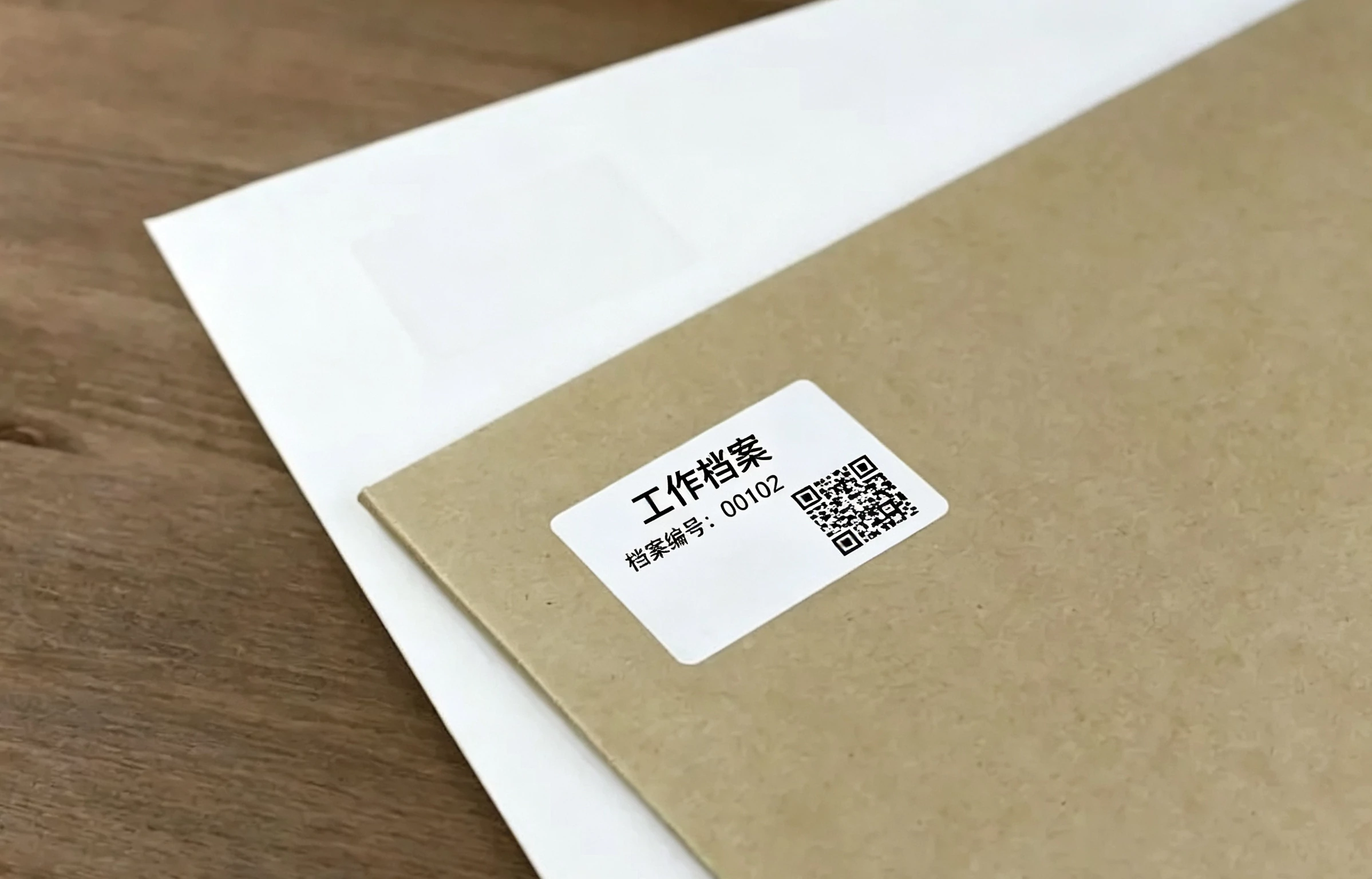
- Automatically recognizes text in the image and restores it with label variables; numbers, dates and units are output in place to build an editable template in one click.
- Smart multi-font matching recognizes common Chinese fonts, and you can also fine-tune print results with a custom font check table.
- Once recognized, content drops into the Designer for WYSIWYG adjustment of fonts, sizes and positions.
Features·Tables and Barcodes
- Automatically detects table structure and converts grid lines into an editable table, restoring each cell's text in place with no manual drawing.
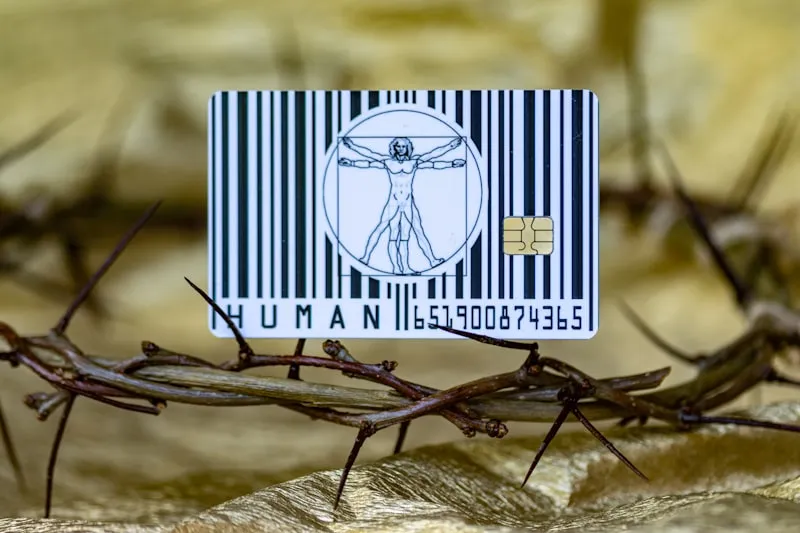
- Recognizes 1D/2D barcode images and restores them as standard barcode objects, supporting QRCode, PDF417, DataMatrix and more.
- Extracts template variables from "Label: Value" lines that can be replaced at print time for variable-data batch printing.
Get Started Now
FAQs:
What image formats does AI Image to Label Template support?
It supports png / jpeg / gif / webp. Upload a photo or screenshot of the label; each file should not exceed 32MB.
Can the generated template be printed directly?
Yes. The conversion produces a standard printable label template. You can fine-tune text, tables and barcodes in the Designer and print right away. The result is first kept in your current session; it is only saved to “My Labels” after you confirm your edits in the Designer, so no unwanted templates are created.
Can it recognize tables and barcodes?
Yes. The system automatically detects grid lines and converts them into an editable table, and restores 1D/2D barcodes in the image as standard barcode objects (supporting QRCode, PDF417, DataMatrix and more), with no manual drawing required.
Can I migrate from another label software?
Absolutely. Print out your existing label, snap a photo or take a screenshot, and upload it. The AI automatically recognizes it and generates a PrintSpirit template, letting you skip redoing the layout against the original image and migrate or revise an entire set of labels in minutes.
How do I implement variable-data printing?
During conversion the system automatically extracts template variables from “Label: Value” lines. Variables are replaced with actual values at print time, so combined with SpiritLabel batch printing you can load Excel/text data to implement variable-data batch printing such as one label per unique barcode.
What if the recognition result is not ideal?
Just adjust it manually in the Designer - text, fonts, sizes, positions, tables and barcodes can all be freely edited. You can also control recognition behavior beforehand via the “Variables” and “Tables” options.